Hey there, fellow beat jugglers and tech wizards! Man, oh man, have we arrived at an era that makes my old school heart pound like a kick drum on overdrive! We’re living it, people, right here in 2026. Forget everything you thought you knew about just pushing play or scratching vinyl. We’re deep into a whole new dimension, and it’s all about the glorious, sometimes maddening, always exhilarating world of The Dawn of AI DJing: An Introduction.
But hold up a second. Before you go dreaming of a fully autonomous robot DJ (we’re getting there, trust me, but that’s another post!), let’s talk brass tacks. We’re talking about *you*, the human element, still very much in control, but supercharged. Your hands on the faders, your fingers on the jog wheels, your brain making the magic happen. The AI? It’s your ultimate wingman, your secret sauce, your co-pilot. And for that co-pilot to truly shine, we gotta talk about something that often gets overlooked in the flash and sizzle: **hardware compatibility.**
I’ve been down in the trenches, folks. Years. Literal years spent tinkering, cursing, celebrating, and sometimes just staring blankly at a screen, wondering why my awesome new AI plugin wasn’t “seeing” my beloved controller. Oh, the stories I could tell! When I first tried piping my trusty old Pioneer DDJ-SB2 (yeah, I’m old school like that!) into a custom AI script I’d been working on, it was a proper headache. I mean, my goal was simple: get the AI to analyze the live audio stream, suggest track transitions, and then let me trigger them directly from the controller. Sounds simple, right? It never is.
### The Brains and the Brawn: Where AI Meets Your Fingers
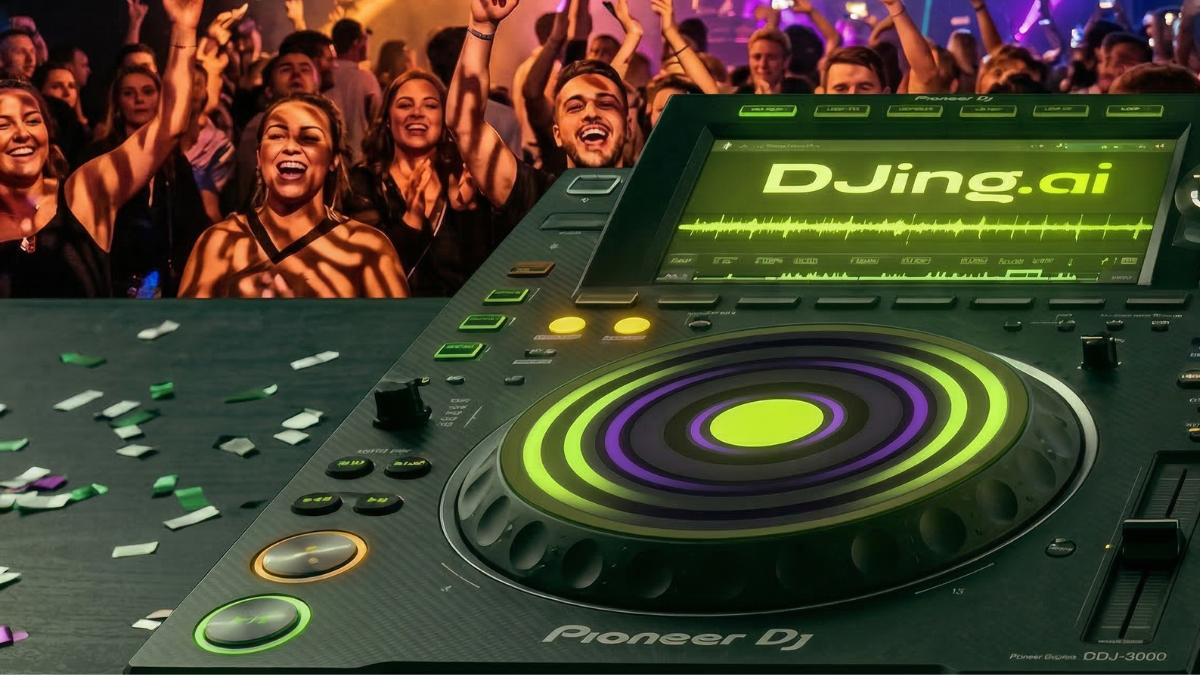
Okay, so what are we even talking about when we say “integrating AI with DJ controllers”? Basically, it’s about creating a conversation between the software doing all the clever AI analysis (mood detection, beat matching suggestions, crowd energy predictions) and your physical controller. That piece of plastic, metal, and buttons sitting in front of you. This isn’t just about plugging in a USB cable anymore. Oh no.
Most of our controllers, bless their hearts, still speak MIDI. Or HID, a close cousin. It’s like the lingua franca of performance hardware. The Musical Instrument Digital Interface (MIDI), for those who truly don’t know, has been around forever. It’s a simple language, really. “Button A pressed,” “Fader moved to position B,” “Knob turned by X amount.” Your AI software needs to understand these signals. And, crucially, it needs to send signals *back* to your controller. Imagine the AI telling your controller, “Hey, light up this button if you think this track would be a killer follow-up!” That’s where the magic begins.
I remember this one gig, oh, maybe a year and a half ago. I was using a custom mapping with my trusty Native Instruments S4. The AI was analyzing the dance floor, picking up on the overall vibe. It was suggesting tracks that I’d never have thought of myself, but they *worked*. The AI would actually light up a specific deck button on my S4, almost like a ghost was pointing. The first time that happened, I literally gasped. It was like the controller suddenly had a mind of its own, an extension of the AI’s thought process. That’s not a gimmick. That’s a *tool*. It changes everything.
### The Latency Monster: Our Eternal Foe
Here’s the thing, though. You can have the smartest AI in the world, a super-powerful computer, and the latest controller, but if your setup isn’t talking to each other fast enough, you’re dead in the water. Latency. It’s the silent killer of good vibes. You press a button, but the software takes a split second too long to respond. The AI suggests a transition, but by the time you see it and react, the moment has passed. Ugh.
This is where the real deep dive into hardware compatibility comes in. It’s not just “does it plug in?” It’s “does it *work*?” Fast, responsive connections are non-negotiable. We’re talking low-latency USB protocols, optimized audio drivers (ASIO on Windows, Core Audio on Mac are your friends!), and frankly, a computer with enough processing muscle to juggle complex AI algorithms *and* real-time audio. You wouldn’t believe how many times I’ve seen people complain about “laggy AI” when the bottleneck was their ancient laptop or a shoddy USB hub. Don’t skimp here, people! Your experience depends on it.
A few months back, I was trying out this cutting-edge neural network (let’s just say the processing demands were… significant). My older MacBook Pro was wheezing, fans screaming. The AI’s suggestions were brilliant, but the delay between its output and my controller’s visual feedback was just enough to throw me off. I upgraded to a beast of a machine, a custom-built desktop running a hefty GPU. And boom! Night and day. The responsiveness was instant. The AI became an extension of my thoughts, not a sluggish assistant. If you’re serious about this, invest in your machine. It truly is part of your Building Your AI DJ Setup: Essential Components.
### The Wild West of Software and Standards
So, what about the software side of things? Well, we’re still in a bit of a Wild West phase, which is part of the fun, frankly! You’ve got your established DJ software (Serato, Traktor, Rekordbox, Virtual DJ) which are all starting to integrate AI features directly. Then you have the open-source community, churning out incredible custom AI scripts and plugins.
The challenge? Getting these disparate elements to play nice. Some controllers are designed specifically for one ecosystem (e.g., Pioneer with Rekordbox). Others are more generic MIDI controllers. The trick is to find an AI solution that either integrates directly with your primary DJ software or uses a bridge. Tools like MIDI Translator Pro, Bome MIDI Translator, or even just clever Python scripts can translate between different formats. It’s all about creating those custom communication lines.
My personal preference? I tend to lean towards controllers that are highly customizable and have solid MIDI implementations. Why? Because they’re platform-agnostic. They give me the freedom to experiment with whatever new AI tech pops up next week without needing to buy a whole new piece of hardware. I’m looking at you, newer Novation and Arturia controllers, with your amazing customizability. They’re like blank canvases, ready for your AI masterpieces.
A Few Pointers for Your AI DJ Journey
- Know Your Controller: Dive deep into its manual. Understand its MIDI capabilities, its drivers, its quirks. The more you know, the easier it is to troubleshoot.
- Prioritize Processing Power: Your computer is the brain. Don’t cheap out. A dedicated GPU can make a huge difference for AI tasks.
- Monitor Latency: Seriously. Use audio interface settings, check your USB connections. Every millisecond counts. This isn’t just theory; it’s the difference between a smooth mix and a train wreck. For more on this, check out this great overview of the challenges in real-time computing from TechCrunch.
- Embrace Customization: Don’t be afraid to get your hands dirty with MIDI mapping software or even a little bit of coding. This is where you truly make the AI your own.
- Stay Curious: The landscape is changing so fast! What works today might be old news tomorrow. That’s the beauty of it. Keep experimenting.
This whole journey, from those initial frustrating moments of trying to map a knob to the sheer joy of watching an AI flawlessly predict a crowd’s energy, it’s a blast. It’s not about replacing us. It’s about augmenting us. Making us better, faster, more creative. It’s about opening up possibilities we never even dreamed of just a few short years ago.
So go on, plug in that controller. Get your hands on some AI software. Start tinkering. You might just discover a whole new level of DJing you didn’t even know existed. The future of DJing? It’s here. And it’s absolutely thrilling! Now go make some noise!